Gameplay Overview
Understanding the interactive experience
Understanding the interactive experience
Flow Moments provides a straightforward interactive experience centered around touch-based gestures. The gameplay is designed to be immediately understandable without requiring tutorials or instructions.
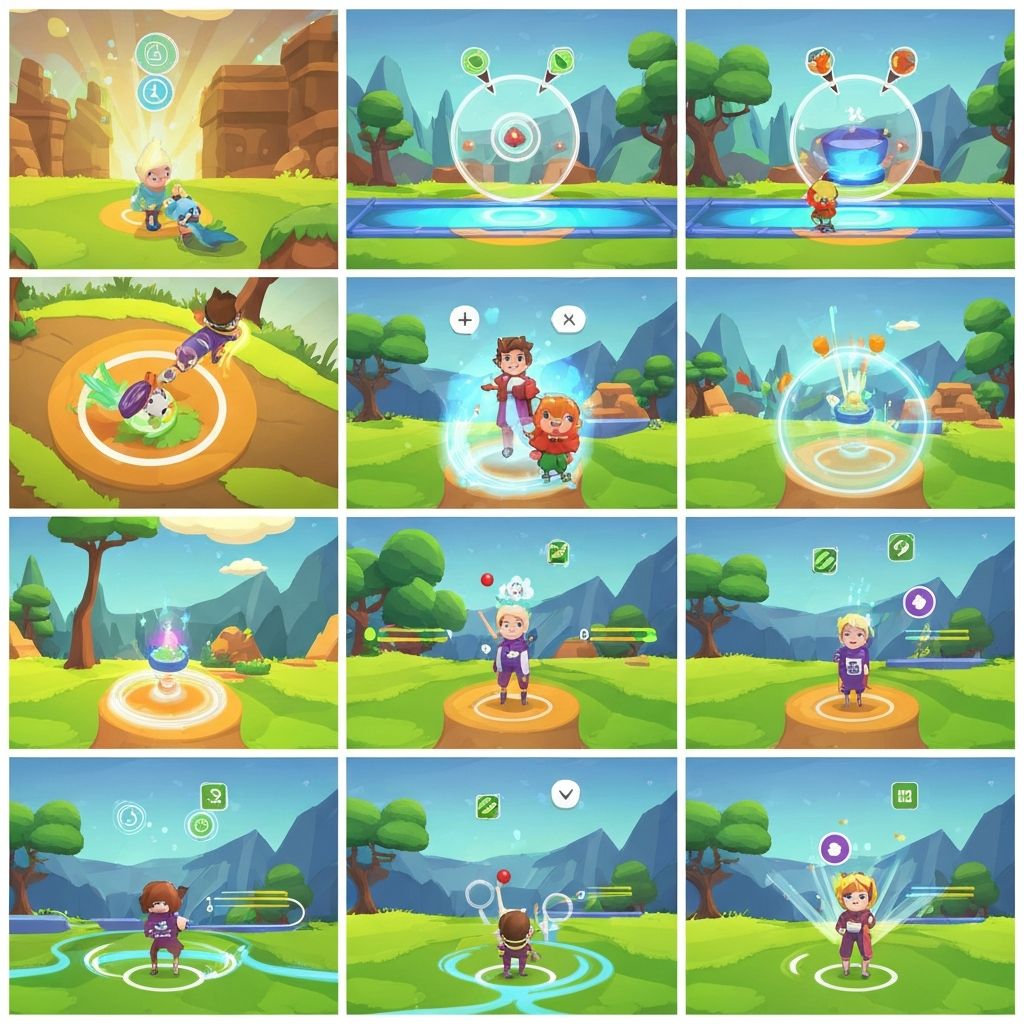
When players open the app, they are presented with an interactive canvas that responds to their touch inputs. The visual elements on screen react dynamically to taps and swipes, creating patterns and movements based on user interaction.
The gameplay does not follow traditional game structures with levels or objectives. Instead, it provides an open-ended environment for exploration and interaction.
Single taps generate visual responses at the point of contact. The effects vary based on location and context within the current session.
Multiple taps in sequence create layered effects that build upon each other. Players commonly experiment with different tapping patterns to discover various visual outcomes.
Swipe gestures produce flowing lines or particle trails that follow the direction of the swipe. The speed and length of the swipe influence the visual result.
Players can create curved or straight paths depending on how they move their finger across the screen. Each swipe generates unique patterns.
A typical play session follows a simple pattern: the player opens the app, interacts with the canvas through touch gestures, observes the visual feedback, and continues or exits as desired.
Sessions generally last between 1 to 5 minutes, though players can engage for shorter or longer periods based on their preference and available time.
There are no timers counting down, no scores being tracked, and no goals to achieve. The session concludes whenever the player chooses to close the app.
Players commonly use Flow Moments during brief breaks throughout the day, such as while waiting, commuting, or taking short pauses from other activities.
The visual elements in Flow Moments respond to player input in several ways:
Visual feedback appears instantly when the player touches the screen. This creates a direct connection between action and result.
Elements move smoothly across the screen rather than appearing or disappearing abruptly. This creates a sense of natural motion.
Multiple interactions can occur simultaneously, with effects layering on top of each other to create complex visual compositions.
Visual elements typically fade over time rather than persisting indefinitely. This keeps the canvas from becoming cluttered while maintaining visual interest.
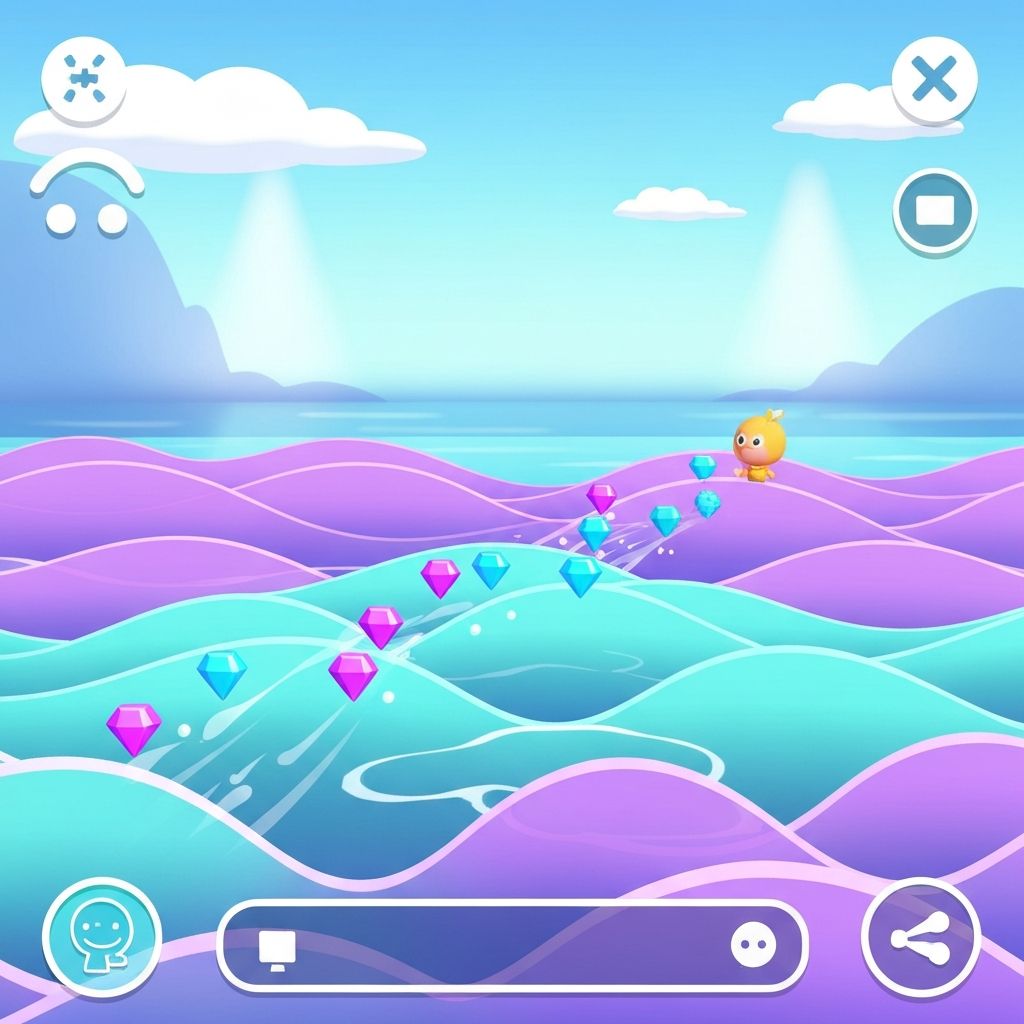
Flow Moments deliberately excludes time-based elements and competitive features. There are no countdown timers, no scores to beat, and no performance metrics being tracked.
This design choice aligns with the casual gaming philosophy of providing entertainment without pressure. Players can take as much or as little time as they want without facing consequences.
The absence of competitive elements makes the game suitable for players who prefer solitary, contemplative experiences rather than challenges or competitions.
A player opens Flow Moments while riding public transportation. They tap and swipe for 2-3 minutes while waiting for their stop, then close the app when they arrive.
During a brief work break, a player interacts with the app for 1 minute to create visual patterns. They find it provides a quick mental break before returning to tasks.
While waiting for an appointment, a player uses Flow Moments to pass the time. They engage with the app intermittently, creating patterns between looking up and checking the time.
Before bed, a player opens the app and gently interacts with it for 3-4 minutes. The simple gestures and visual feedback provide a calm activity before sleep.



The core gameplay loop in Flow Moments consists of three simple steps that repeat throughout each session:
The player touches the screen using a tap or swipe gesture.
The app generates visual feedback based on the input type, location, and current state.
The player observes the visual result and decides whether to continue interacting or exit the app.
This simple loop allows for extended engagement without requiring complex decision-making or strategic planning.
Learn about the specific features and capabilities included in Flow Moments.
View Features