
How It Works
Understanding the mechanics behind Flow Moments
Understanding the mechanics behind Flow Moments
Flow Moments operates on a straightforward principle: user input triggers visual output. The game continuously monitors for touch input on the device screen and responds by generating visual elements at the point of interaction.
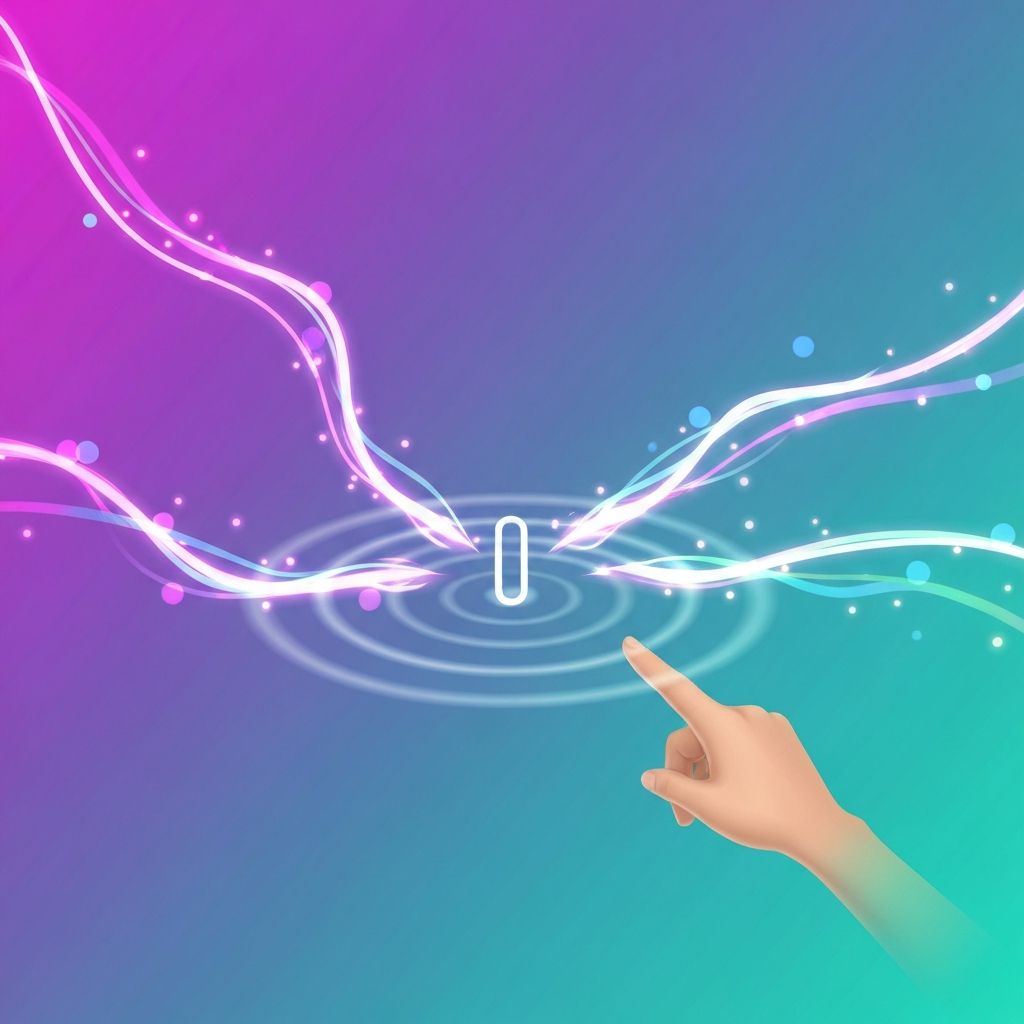
When the app detects a tap, it creates visual effects centered on that location. When it detects a swipe, it generates effects that follow the path of the gesture.
This direct input-output relationship creates an intuitive interaction model where the connection between action and result is immediately apparent.
The interaction between player and game environment follows a continuous loop:
The app monitors the touchscreen for any contact. It identifies whether the contact is a stationary tap or a moving swipe based on whether the touch point changes location.
Based on the input type detected, the app generates appropriate visual effects. These effects are created using animated graphical elements that appear on screen.
The generated effects are rendered on screen in real-time. They appear immediately following the player action, creating a sense of direct manipulation.
Visual elements continue to animate after creation, moving across the screen, changing appearance, or fading over time according to their programmed behavior.
The system remains responsive while existing effects are still visible, allowing players to create new effects before previous ones have faded.
A typical session follows this sequence of events:
This sequence can vary in duration from seconds to several minutes depending on player preference and available time.
Flow Moments balances consistency with variety in several ways:
The basic interaction methods remain the same across all sessions. Taps and swipes always produce their characteristic effects, providing familiarity.
While the mechanics are consistent, the specific visual results vary based on factors like touch location, timing, and the current state of the canvas. This prevents exact repetition.
Each session may begin with a different visual environment or theme, providing aesthetic variety while maintaining familiar gameplay.
Because players can interact in countless ways, each session produces unique visual compositions based on their specific actions.

Flow Moments differs from traditional mobile games in several significant ways:
Traditional games typically have success and failure states. Flow Moments has neither — there is no way to win or lose, removing pressure and judgment from the experience.
Most games guide players through increasingly difficult challenges. Flow Moments maintains consistent difficulty (or rather, no difficulty) throughout all sessions.
Traditional games present objectives for players to complete. Flow Moments provides tools for interaction but does not specify what players should do with them.
While many games maintain persistent state between sessions, Flow Moments treats each session as a fresh start with no connection to previous play.
Uses standard mobile touchscreen APIs to detect and classify user gestures in real-time.
Employs graphics rendering to display animated visual elements smoothly on the device screen.
Manages the movement, transformation, and fading of visual elements over time.
Balances visual complexity with device capabilities to maintain smooth operation.
Adjusts visual elements and layout to accommodate different screen sizes and orientations.
Handles the creation, updating, and removal of visual effects to prevent performance issues.
Flow Moments operates within the casual gaming category, which is characterized by specific design principles and user expectations:
Casual games prioritize accessibility over depth. They are designed to be immediately playable by users with varying levels of gaming experience, including those who do not typically play games.
The casual model emphasizes short engagement periods that fit into daily routines rather than requiring dedicated gaming sessions. This makes them suitable for use during activities like commuting, waiting, or taking brief breaks.
Flow Moments exemplifies these principles by providing an experience that can be enjoyed in moments lasting from a few seconds to a few minutes, with no barriers to entry or exit.
For additional information or specific questions about Flow Moments, please contact us.
Contact Us